
A video invitation brings an invitation to life with motion and music, and guests love sharing it. To work well on WhatsApp and Instagram, keep it short, ideally 30 to 60 seconds, in a tall phone shape, with the names, date and venue on screen long enough to read. Use music you have the right to use, keep the file small enough to send, and always send the invitation link alongside it for the map and the details. A full guide follows.
Length
Format
- Tall, 9:16, for WhatsApp status, Instagram stories and phone screens.
- Square, 1:1, for feeds and family groups.
- 1080 pixels wide is plenty for phones.
- MP4 plays almost everywhere.
What to show on screen
- The occasion and the names, early.
- The date and the venue, on screen for at least three seconds each.
- Each function, briefly, if there are several.
- A closing frame with the date and “details in the link”.
The read-aloud test
Pause the video at each frame with text and read it aloud. If you can't finish reading before it changes, give that frame more time.
Music and copyright
Film songs and popular music are protected by copyright. Using them in a video shared privately on WhatsApp is common, but platforms like Instagram and YouTube may mute or remove videos with copyrighted music. Safer choices are royalty-free music, instrumental music licensed for personal use, a recording of a family member singing, or traditional shehnai and dhol recordings you have the rights to.
Music rights
Copyrighted songs can get a video muted or removed on social media. Use royalty-free or licensed music, or a family recording, if you plan to post it publicly.
Subtitles and language
Many people watch videos on mute, so put the key details as text on screen, not only in a voice-over. If the voice-over is in Gujarati or Hindi, add the details in text for guests who don't speak it. Large, clear text with good contrast matters even more in a video than on a still invitation.
File size
Large videos can fail to send, or take a long time to download on slow connections. Keep a one-minute invitation under about 16 MB if you can, and test sending it to someone with a slow connection. If the video is large, share it as a link rather than a file.
Always send the link too
A video can't hold a tappable map, can't be updated, and some elders won't know how to play it. Send the invitation link with the video, and the key details in your message. The PDF, image or link guide explains why the link should be the main invitation.
Voice-overs
A short voice-over, from the couple, the parents or the grandparents, makes a video invitation personal. Keep it brief, record it in a quiet room, and make sure the details are also shown as text for guests watching on mute.
Ideas
- A photo story: the couple's photos from childhood to engagement, ending with the date.
- A painted scene: an illustrated palace or mandap, with the details appearing.
- Family voices: grandparents inviting guests in their own words.
- A teaser: a 15-second save the date with music and the date.
Making a video invitation
You can make a video invitation from a video template, with a video editing app, or with a professional who designs invitation videos. Whichever you choose, start from the details, not the effects: a clear opening, the names, the date and venue on screen long enough to read, and a closing frame. Effects and transitions should support the details, never hide them.
Posting on social media
If you post the video on Instagram or Facebook, remember that it will be seen far beyond your guest list. Keep the venue details general, or leave them out of the public version, and send the full details only by private link. The invitation link privacy guide explains why.
For elders
Many elders enjoy video invitations, especially with family voices. But some phones won't play large files, and some elders don't know how to play videos in chats. Call them first, send the link alongside, and ask a family member nearby to play it for them.
Related guides
The 3D wedding invitation guide covers animated and interactive invitations, and the WhatsApp sharing guide covers sending. More are under invitation design.
Questions people ask
How long should a video invitation be?
Ideally 30 to 60 seconds. A save the date teaser can be 15 to 30 seconds.
What format suits a video invitation?
A tall 9:16 MP4 at about 1080 pixels wide, for phones and WhatsApp.
Can I use a Bollywood song in my video invitation?
Film songs are protected by copyright and may be muted or removed on social media. Use royalty-free or licensed music for public posts.
Should I send a video invitation alone?
No. Send the invitation link too, for the map and the details, since a video can't be updated or tapped.
How big should a video invitation file be?
Keep a one-minute video under about 16 MB if you can, or share it as a link.
Ready-made invitation designs
Open any design in the editor, put in your own names, dates and wording, and share the invitation link on WhatsApp.
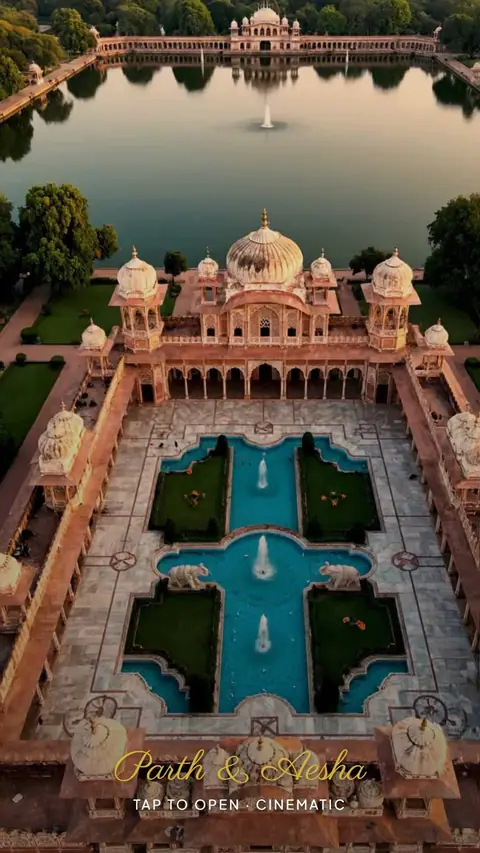 Royal Palace Journey Cinematic Wedding Invitation₹3,499inc. GST
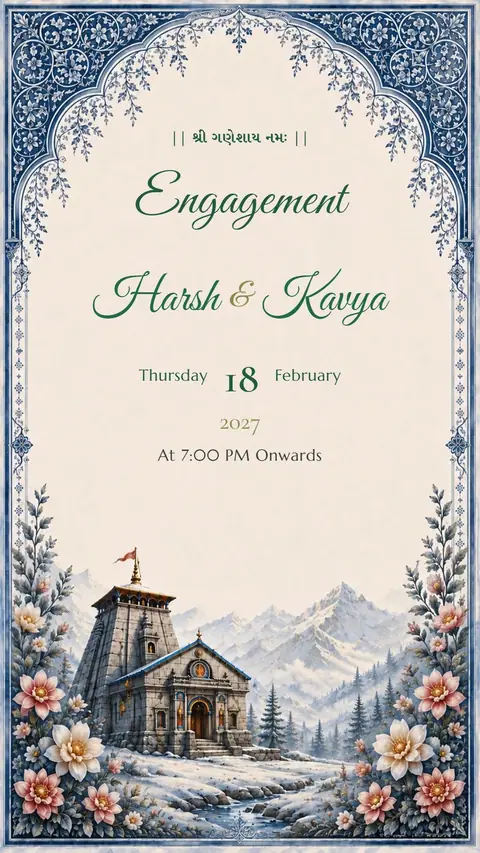 Himalayan Temple Engagement Invitation₹1,499inc. GST
 Godh Bharai Baby Shower Invitation₹499inc. GST
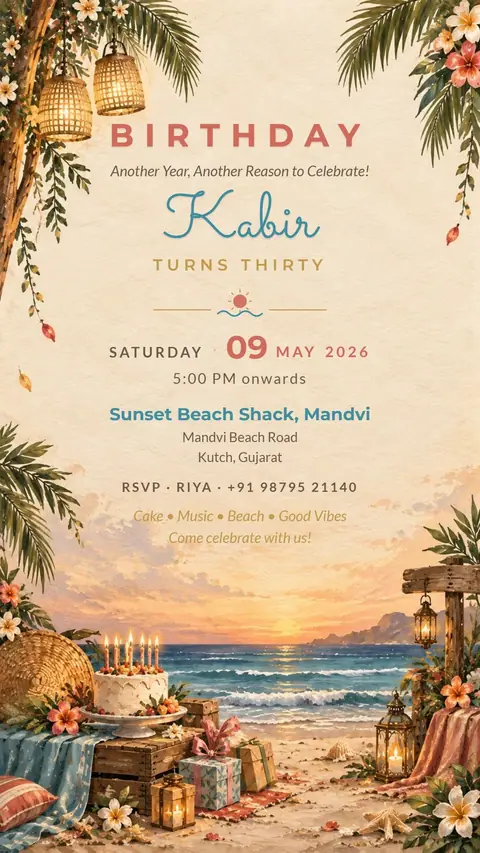 Beach Birthday Invitation₹499inc. GST
 Haldi Ceremony Invitation₹499inc. GST
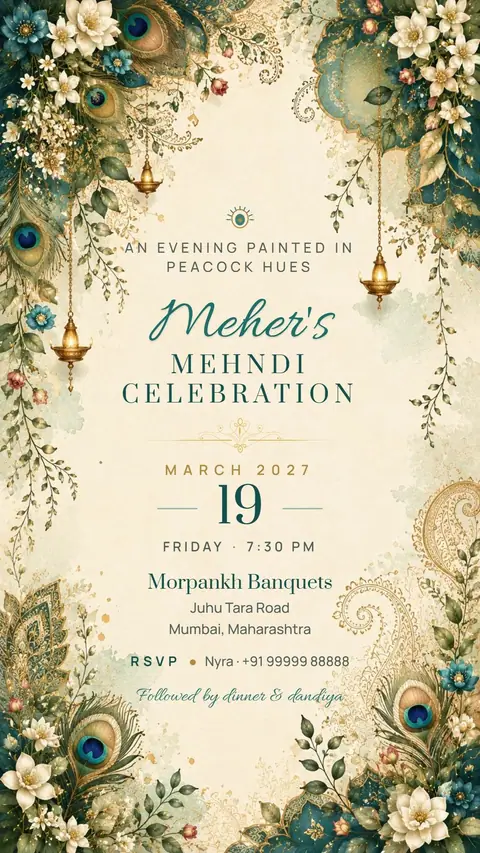 Peacock Teal Mehndi Invitation₹499inc. GST
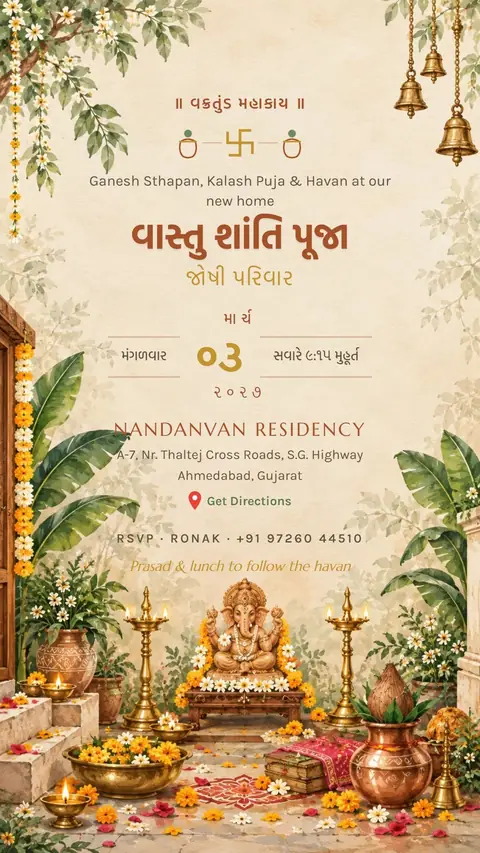 Ganesh Kalash Vastu Puja Invitation₹499inc. GST
 Shubh Labh Kanku Pagla Invitation₹499inc. GST
Filed under Design & style
Written by ShubhLink Editorial Team
The team behind ShubhLink's invitation templates and ShubhLink AI. We write down what families ask us most, and check each guide before it goes live.