
A digital invitation can be sent as a PDF, an image or a link. A link opens a full invitation in the browser, with a map, every page and any updates, and is the best choice for most guests. An image shows the design instantly in the chat, which elders often like, but loses quality on WhatsApp and can't be updated. A PDF keeps print quality but is heavy to open on a phone. Many families send the link to everyone, with an image for elders who'd like one.
At a glance
Links
A link is the most complete way to send a digital invitation. It opens the full invitation in the phone's browser, with no app to install, and can carry every page: the main invitation, the schedule of functions, the map for each venue, the dress codes, the RSVP. If anything changes, the same link shows the update. A ShubhLink invitation is a link, so guests always see the latest version.
The one thing a link needs is a short personal message with it, so guests know who it's from and what it is. The WhatsApp sharing guide shows how.
Images
An image shows the design right in the chat, without opening anything. Many elders like this, and it's easy to forward. But WhatsApp compresses images, so fine text and detailed art can lose sharpness, and an image can't hold a tappable map. A multi-page invitation becomes several images, which can arrive out of order. If you send an image, send the link too, for the map and the details.
Sharper images
If you send an image on WhatsApp and want it sharper, send it as a document rather than a photo; WhatsApp then doesn't compress it. Most guests, though, will be happy with the link.
PDFs
A PDF is best for printing, because it keeps the design at full quality. For sending to guests' phones, it's less convenient: large files take time to download on slow connections, and some phones open PDFs in apps that make reading awkward. Use a PDF when someone wants to print the invitation, such as for an elder who'd like a card, or for the print shop.
Which to send to whom
When details change
Changes happen: a venue moves, a time shifts. With a link, update the invitation and guests see the change when they open it again; send a short message pointing it out. With images and PDFs, you need to send a new file to everyone and hope they don't use the old one. This alone is reason enough to make the link your main invitation.
Corrections
If you've sent images or PDFs and a detail changes, send a clear correction to everyone, saying which detail changed. Old files stay in guests' phones and are easy to confuse with new ones.
Accessibility
A link can be read by a phone's screen reader and zoomed easily, which helps guests with low vision. An image can't be read aloud, so add the key details in your message: the date, the time and the venue. For elders who use large text settings, a link that adapts to the screen is easier than a fixed image.
A simple approach
- Make the link your main invitation.
- Send it with a personal message that includes the date and the place in words.
- Send an image too, to elders who'd like to see the design at once.
- Keep a PDF for printing a few copies.
Related guides
The printed and digital invitations guide covers using both, and the invitation link preview guide explains how links appear in chats. More are under sharing invitations.
Questions people ask
Is it better to send a wedding invitation as a PDF or a link?
A link, for most guests. It opens in the browser with every page, a map and any updates. Keep a PDF for printing.
Why does my invitation image look blurry on WhatsApp?
WhatsApp compresses images. Send it as a document to keep the quality, or send a link instead.
Can I update an invitation after sending it?
Yes, if you sent a link. Images and PDFs can't be updated; you'd need to send new files.
What should I send to elders?
The link and an image of the design, with a short message in their language. Call them first.
Can guests print a link invitation?
Not directly from the link. For guests who'd like a printed copy, send a high-quality image or a PDF, or print a few copies yourself for the elders who value them.
Ready-made invitation designs
Open any design in the editor, put in your own names, dates and wording, and share the invitation link on WhatsApp.
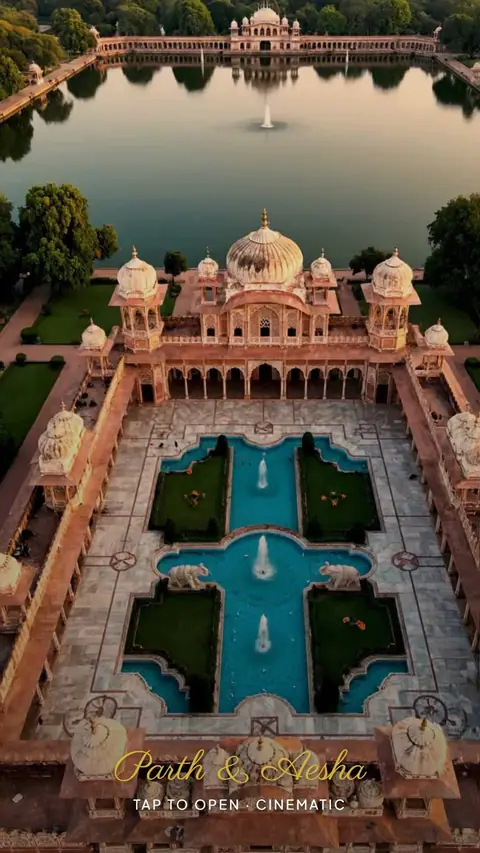 Royal Palace Journey Cinematic Wedding Invitation₹3,499inc. GST
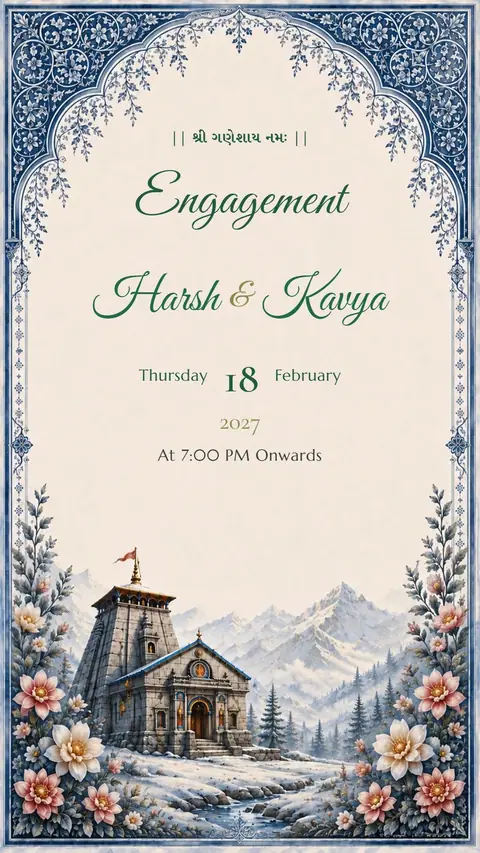 Himalayan Temple Engagement Invitation₹1,499inc. GST
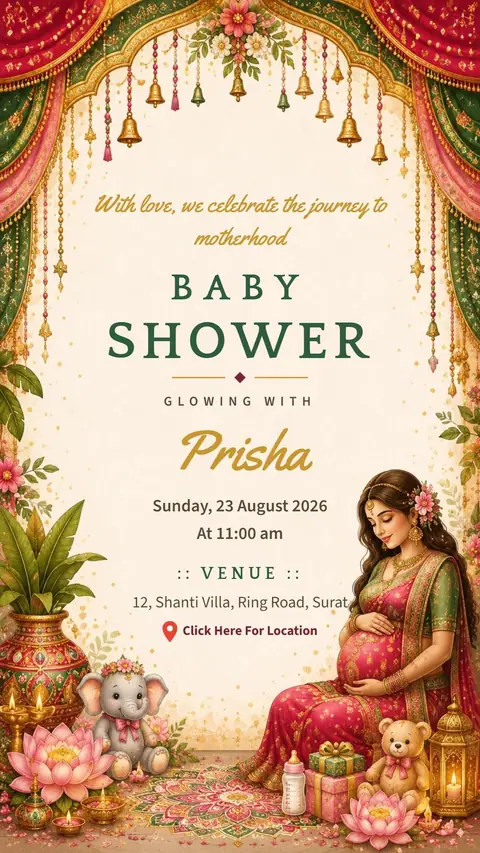 Godh Bharai Baby Shower Invitation₹499inc. GST
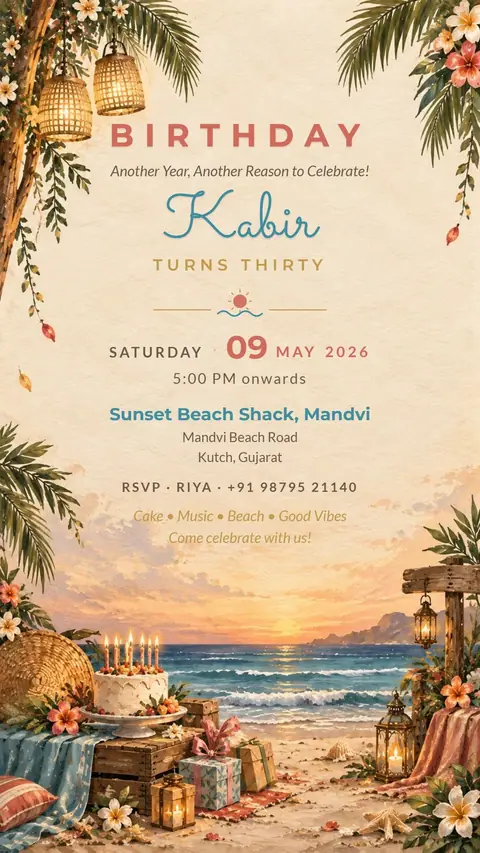 Beach Birthday Invitation₹499inc. GST
 Haldi Ceremony Invitation₹499inc. GST
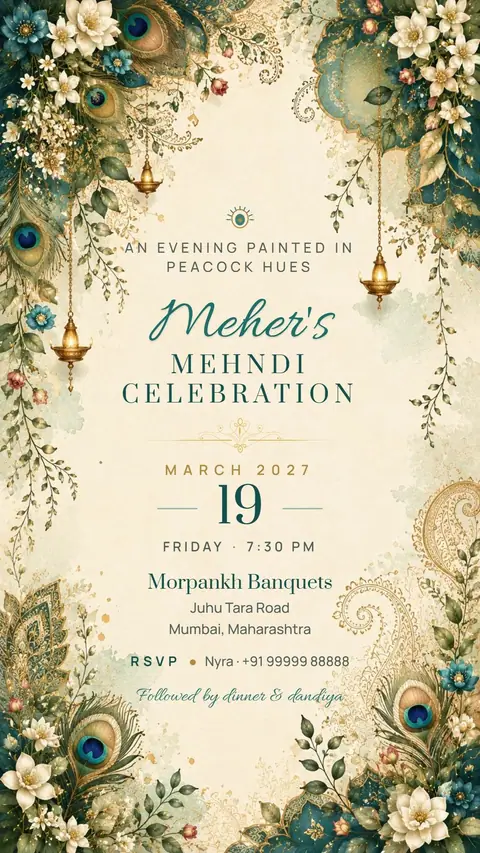 Peacock Teal Mehndi Invitation₹499inc. GST
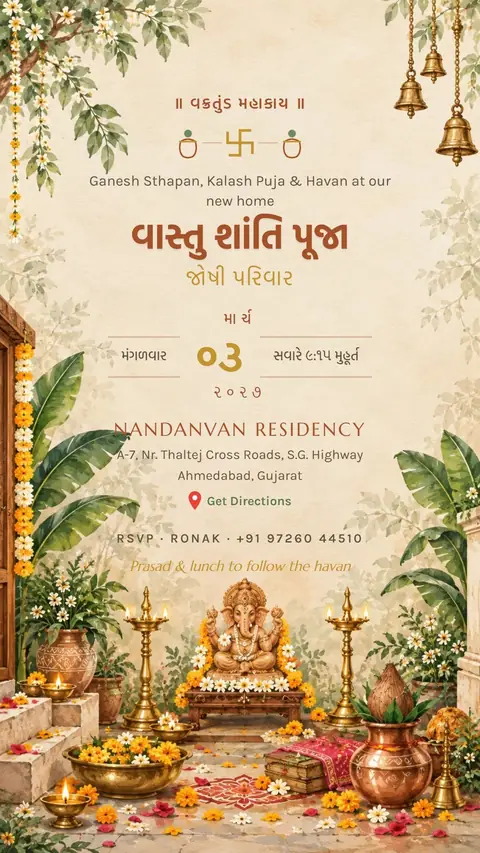 Ganesh Kalash Vastu Puja Invitation₹499inc. GST
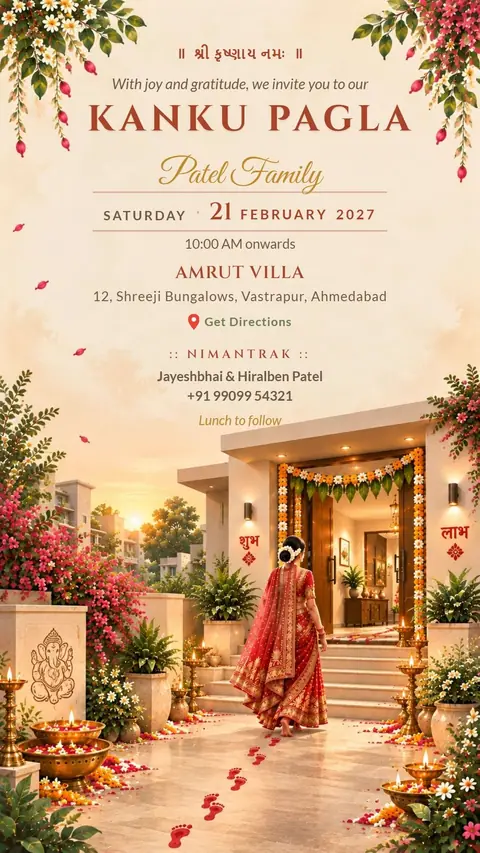 Shubh Labh Kanku Pagla Invitation₹499inc. GST
Filed under Sharing & digital invitations
Written by ShubhLink Editorial Team
The team behind ShubhLink's invitation templates and ShubhLink AI. We write down what families ask us most, and check each guide before it goes live.