
Many families now use both: a small number of printed cards for the first kankotri to Ganesh, the elders and the closest family, and a digital invitation for everyone else. It keeps the tradition and the personal visit where they matter most, and saves the cost and time of printing hundreds of cards. Keep the design matched across both, add a QR code on the printed card that opens the digital invitation, and send both on a planned timeline.
Who gets which
The first kankotri guide explains the custom of offering the first card to Ganesh, which many families keep even when everything else is digital.
Why both work well together
A printed card carries a weight that a link can't: it's held, kept by the shrine, and handed over in a visit that elders value. A digital invitation carries what a card can't: the map, the schedule for each function, updates if anything changes, and easy sharing with guests far away. Used together, each does what it's best at.
Keeping the design matched
Guests who receive both should recognise them as the same invitation. Use the same artwork, colours and fonts, and the same wording for the main announcement. The digital version can carry more pages, such as the schedule, the venue map and the dress codes, while the printed card stays simpler. If you're starting from a digital design, ask your printer for the file size and resolution they need; the wedding card size guide explains print sizes, bleed and resolution.
A QR code on the printed card
A small QR code on the printed card that opens the digital invitation gives elders and their families the map and the updates without typing anything. Place it on the back or the last page, at least 2 cm square, with a short line beside it such as “Scan for the map and the schedule”. Test it with a few phones before printing. The QR code guide covers the details.
Test before printing
Print a test copy and scan the QR code with an old phone and a new one before the full print run. A QR code that doesn't scan can't be fixed after printing.
Wording that connects the two
A short line on the printed card tells guests that more details are online, and a line on the digital invitation can mention that elders are receiving printed cards, if you'd like to explain why some guests get both.
For the map, the schedule and any updates, scan the code on the back.
The full programme for each function is in the digital invitation.
When a detail changes
Plans change: a venue moves, a function is rescheduled, a muhurat is revised. A digital invitation can be updated, so anyone who opens it again sees the new details. A printed card can't. If a detail on the printed card changes, call the people who received printed cards, since they're usually the elders and closest family, and send them the updated link. This is one more reason to keep the printed card simple and put the details most likely to change, such as times for individual functions, in the digital version.
Timing
The timing guide covers this in more detail for each kind of event.
How many to print
Count the households who'll receive a printed card, not the guests. Many families find that 30 to 80 printed cards are enough when the rest of the invitations are digital, compared with several hundred for a fully printed wedding. Add a few spares for the relatives you'll remember at the last minute. The how many invitations guide has a counting method.
Cost
Printing fewer cards saves money, but the savings depend on what you print. A small run of very elaborate boxed cards can cost as much as a large run of simple ones. Many families spend what they save on fewer, better cards for the elders, which feels right: the people who value printed cards most receive the best ones.
Elders first
Put a printed card in the hands of every grandparent and great-aunt, even if everyone else gets a link. It's the detail they'll remember.
Related guides
The digital invitation for elders guide covers sending links to elders, and the eco-friendly invitations guide explains how fewer printed cards reduce waste. More are under sharing invitations.
Questions people ask
Can I send both printed and digital wedding invitations?
Yes. Many families print a small number for Ganesh, elders and close family, and send a digital invitation to everyone else.
Who should get a printed invitation?
The first card to Ganesh, grandparents and senior elders, and often close family. Everyone else can receive a link.
Should a printed card have a QR code?
A small QR code that opens the digital invitation gives guests the map and the schedule. Test it before printing.
How many printed cards do I need if the rest are digital?
Many families find 30 to 80 printed cards are enough. Count households, not guests, and add a few spares.
Ready-made invitation designs
Open any design in the editor, put in your own names, dates and wording, and share the invitation link on WhatsApp.
 Royal Palace Journey Cinematic Wedding Invitation₹3,499inc. GST, was
₹6,998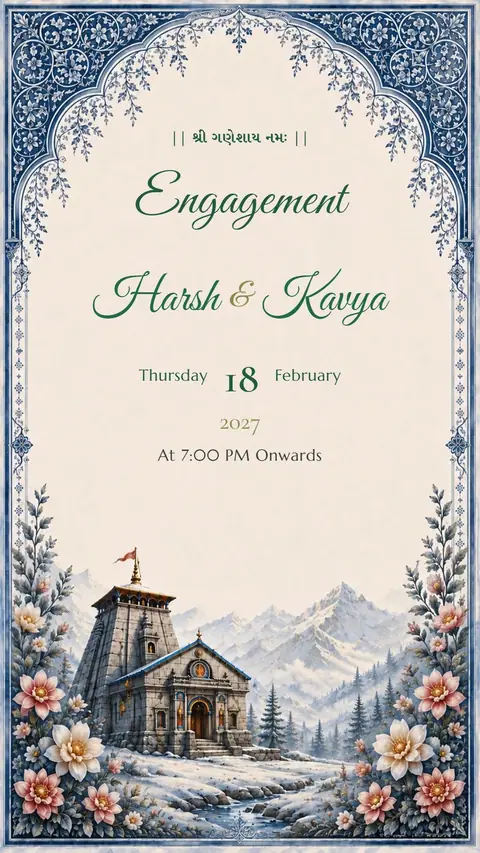 Himalayan Temple Engagement Invitation₹1,499inc. GST, was
₹2,998 Godh Bharai Baby Shower Invitation₹499inc. GST, was
₹998 Beach Birthday Invitation₹499inc. GST, was
₹998 Haldi Ceremony Invitation₹499inc. GST, was
₹998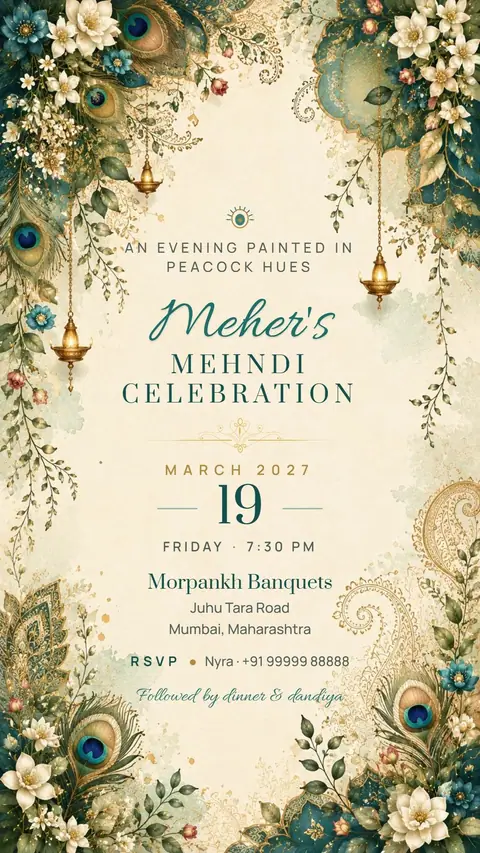 Peacock Teal Mehndi Invitation₹499inc. GST, was
₹998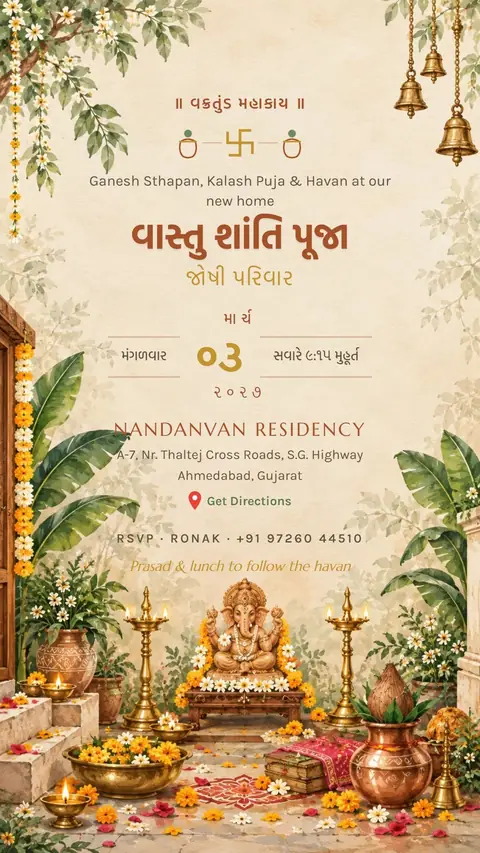 Ganesh Kalash Vastu Puja Invitation₹499inc. GST, was
₹998 Shubh Labh Kanku Pagla Invitation₹499inc. GST, was
₹998
Filed under Sharing & digital invitations
Written by ShubhLink Editorial Team
The team behind ShubhLink's invitation templates and ShubhLink AI. We write down what families ask us most, and check each guide before it goes live.