
A photo makes an invitation personal at once: the couple from their pre-wedding shoot, the baby on their first birthday, the grandparents on their golden anniversary. It works best when the photo is sharp and well lit, framed simply, placed where it doesn't compete with the text, and chosen with everyone's permission, since invitations are forwarded widely. This guide covers choosing, placing and preparing photos, with ideas for each occasion.
Choosing the photo
Choose the photo with the people in it. A photo the bride loves but the groom dislikes, or one a grandparent finds unflattering, will spoil the invitation for them.
Placement and framing
- An arch, a circle or a soft-edged frame sits well in traditional designs.
- A full-width photo at the top, with the text below, suits modern designs.
- A small photo beside the names keeps the focus on the text.
- Never put text over faces.
- Keep the photo away from the date and venue, so they stay readable.
A clean background
If the photo has a busy background, ask for it to be softened or cut out before it goes on the invitation. A clean photo in a simple frame looks far more polished than a crowded one.
Ideas for each occasion
Quality for phones and print
For a digital invitation, a photo of around 1200 pixels on its longest side is plenty, and keeps the invitation quick to open. For a printed card, use the original photo at full resolution, ideally 300 pixels per inch at the printed size; a photo sent on WhatsApp has been compressed and may print poorly. Ask the photographer for the original file.
Permission and privacy
Invitations travel far on WhatsApp, often well beyond the people you sent them to. Use only photos you have the right to use, with the agreement of everyone in them. For children, think carefully: a first name and a photo shared with family is usually fine, but an invitation forwarded widely reaches strangers. The invitation link privacy guide covers sharing safely.
Ask first
Get the agreement of everyone in the photo before it goes on an invitation, and think twice about children's photos on invitations that will be forwarded widely.
Old photos
Old prints can be scanned at a print shop or photographed carefully in daylight, flat and without glare. Gentle restoration, fixing faded colours or small scratches, makes them look their best beside a new photo. Keep the original look, though: a 1975 wedding photo should still feel like 1975.
Photos with ShubhLink AI
You can add a photo when you describe an invitation to ShubhLink AI and say where it should go, such as “on the first page, in an arch frame”. The AI sets the photo into the design. The reference image guide explains how images are used.
Then-and-now photos
For anniversaries and milestone birthdays, a pair of photos, one from the wedding or childhood and one from today, is one of the most loved invitation ideas. Keep both photos the same size and in matching frames, scan old prints at a good resolution, and gently restore faded colours if you can. Guests often save these invitations long after the event.
Photos on each page
In a multi-page digital invitation, a photo can belong to a page rather than the whole invitation: the couple on the first page, the families on the wedding page, the venue on the map page. Use photos sparingly, one per page at most, so the invitation stays light and quick to open.
When not to use a photo
Not every invitation needs one. A formal kankotri for elders, a puja invitation or a prayer meeting message is often better without a photo. Many families send a traditional card without photos to elders and a version with the couple's photo to friends.
Related guides
The floral design guide and the royal design guide show frames and borders that suit photos. More are under invitation design.
Questions people ask
Should I put a photo on my wedding invitation?
Many couples do, often from a pre-wedding shoot. Choose a sharp, well-lit photo everyone in it likes, and keep it away from the text.
What size photo do I need for an invitation?
Around 1200 pixels on the longest side for a digital invitation, and the full-resolution original for print.
Is it safe to put children's photos on invitations?
Think carefully. Invitations are forwarded widely, so share children's photos only on invitations going to family and close friends.
Where should the photo go on an invitation?
In a simple frame at the top, beside the names, or on its own page, never over the text.
Can ShubhLink AI add my photo to an invitation?
Yes. Add the photo and say where it should go, and the AI sets it into the design.
Ready-made invitation designs
Open any design in the editor, put in your own names, dates and wording, and share the invitation link on WhatsApp.
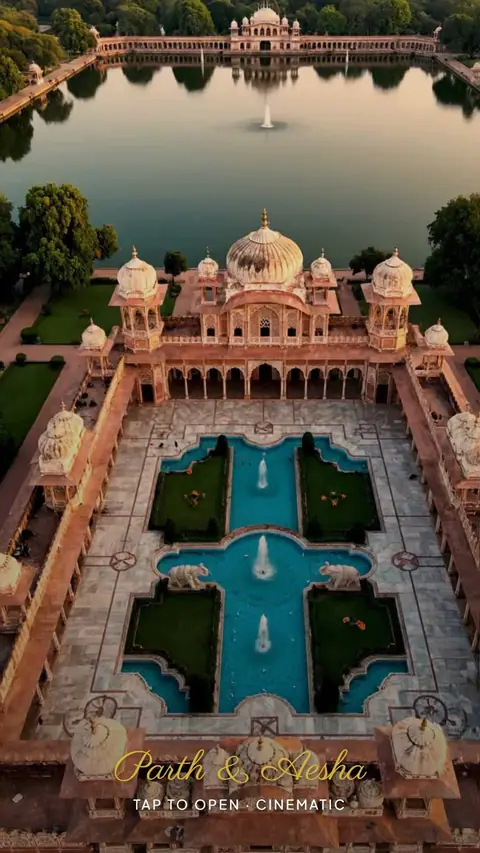 Royal Palace Journey Cinematic Wedding Invitation₹3,499inc. GST
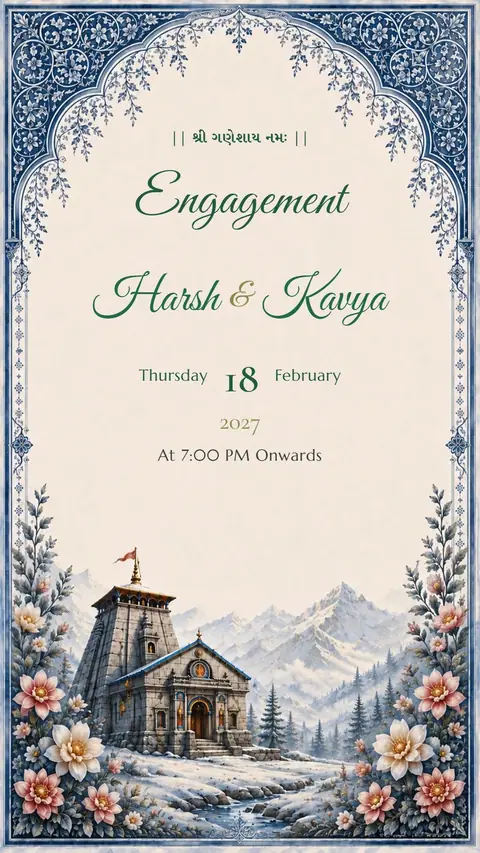 Himalayan Temple Engagement Invitation₹1,499inc. GST
 Godh Bharai Baby Shower Invitation₹499inc. GST
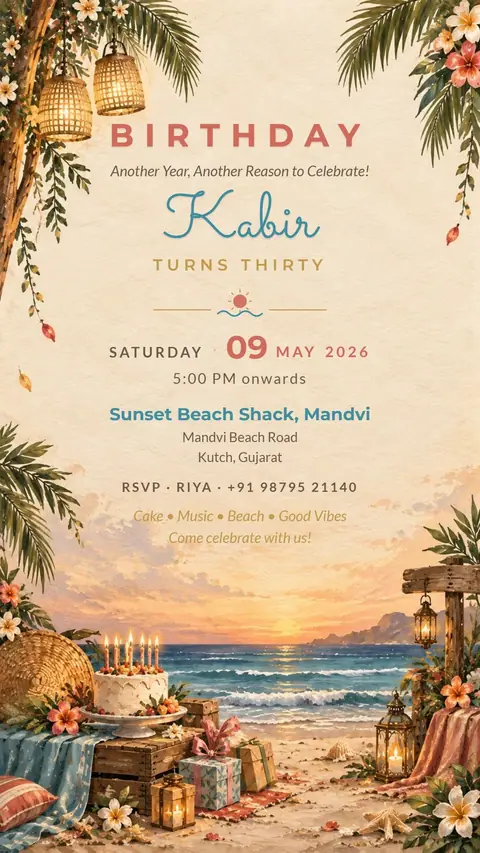 Beach Birthday Invitation₹499inc. GST
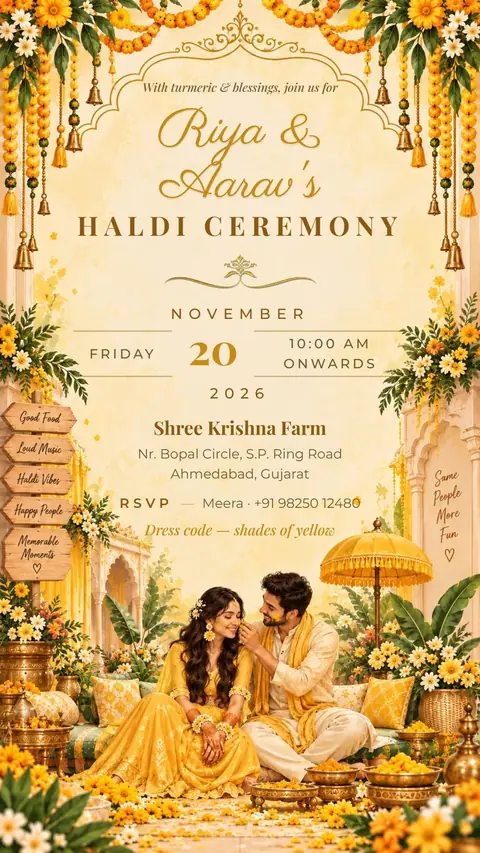 Haldi Ceremony Invitation₹499inc. GST
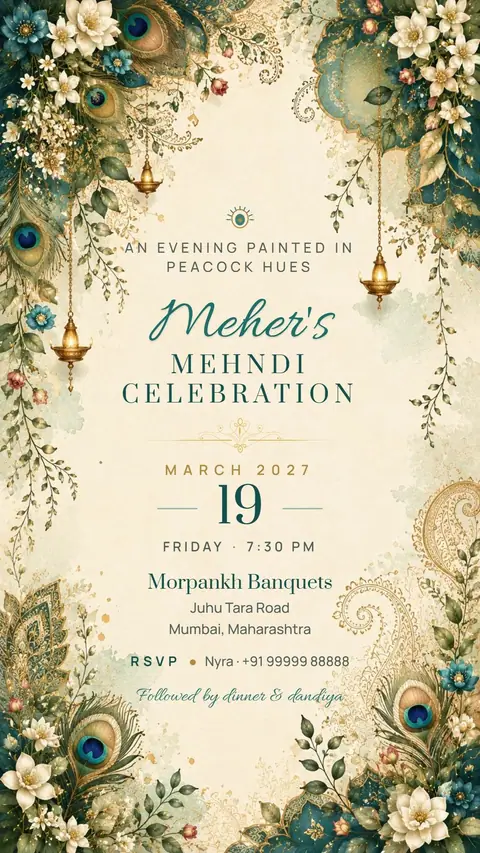 Peacock Teal Mehndi Invitation₹499inc. GST
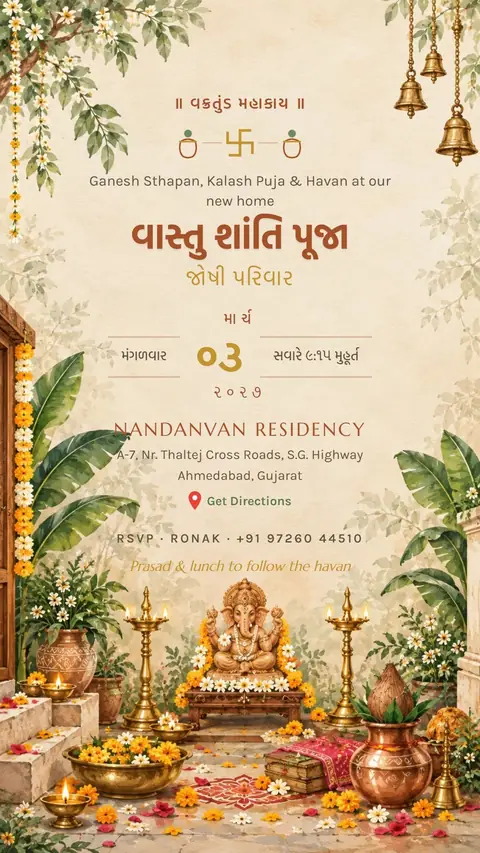 Ganesh Kalash Vastu Puja Invitation₹499inc. GST
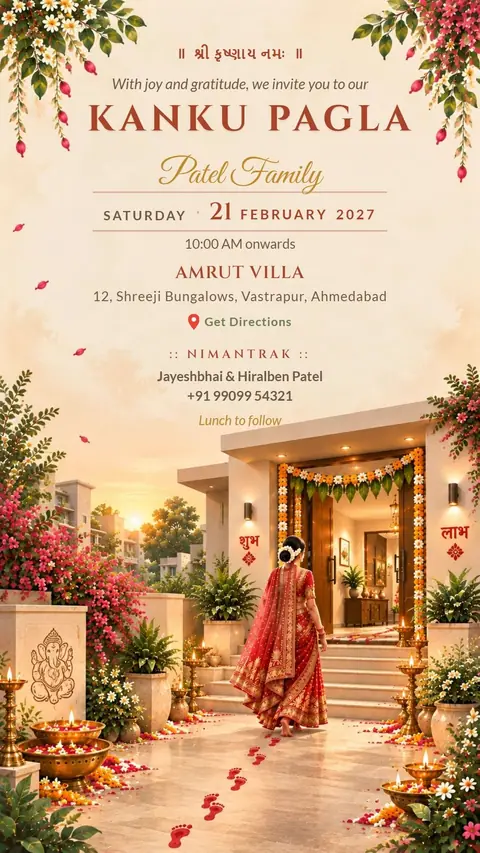 Shubh Labh Kanku Pagla Invitation₹499inc. GST
Filed under Design & style
Written by ShubhLink Editorial Team
The team behind ShubhLink's invitation templates and ShubhLink AI. We write down what families ask us most, and check each guide before it goes live.