
ShubhLink AI has two modes. Standard uses free credits, which refill, and is a good fit for everyday invitations: birthdays, pujas, get-togethers, the smaller wedding functions. Premium uses credits you buy, offers higher quality levels that you choose, and adds the ability to repaint part of a page. Many families use Standard for the smaller occasions and Premium for the invitation that matters most, such as the main wedding card. This guide compares the two.
At a glance
When Standard is enough
Standard is a good fit for most day-to-day invitations. A birthday party, a Satyanarayan katha, a kitty party, a society garba, a farewell dinner: these need a clear, attractive design that's quick to make and easy to share. Standard's free credits refill, so you can make these invitations without paying, and fix any text by hand in the editor, which is free too.
When Premium is worth it
Premium is worth considering for the invitations a family will remember and keep: a wedding kankotri, a 50th anniversary, a milestone birthday for a parent, or a design you'll also print for elders. The higher quality levels show in fine detail, artwork and texture, and repainting part of a page lets you fix one area, such as the background behind the names, without changing the rest of the design.
Repainting part of a page
In Premium, you can paint over an area of the page and describe what should change there: “make this area plain cream”, “replace these flowers with lotuses”, “add a small Ganesh here”. The rest of the design stays as it is. It's especially useful when a design is nearly right and one area needs work.
Repaint the text area
Use repaint for the area behind the names and date. A calmer background there makes the whole invitation easier to read on a phone.
Quality levels
In Premium you choose the quality level for each design, and the credits used depend on the level you choose. A higher level suits a design you'll print or keep; a lower level suits trying out ideas. Many families try a few ideas at a lower level, then make the final design at a higher one. The ShubhLink AI page shows what each option costs.
Trying ideas first
If you're not sure what you want, start by asking the chat questions, which are free: what colours suit a haldi, which motifs suit a griha pravesh, how to word the RSVP. Then try a design or two in Standard. Once you know the direction, make the final design in Premium if the occasion calls for it. This way, purchased credits go only to the design you'll actually send.
Moving between modes
You don't have to choose one mode for everything. Many families use Standard for the haldi, mehndi and sangeet invitations, and Premium for the main kankotri, all in a similar style. Describe the same colours, motifs and mood in each, so the set looks consistent even when the modes differ. Guests will see one family of invitations, not two styles.
What's free in both
- Asking the chat a question.
- Editing text, fonts and positions by hand in the editor.
- Sharing your invitation.
- Undoing an applied change (the credits it used aren't returned).
The credits guide explains credits in detail.
A simple way to decide
Privacy in both modes
Standard runs on Cloudflare Workers AI and Premium on OpenAI, and neither trains its models on your requests. You can delete your prompt history at any time from Credits and usage in AI Studio. The privacy guide has more.
Current details
Prices, packs and allowances can change. The ShubhLink AI page and the studio always show the current details.
Related guides
The AI invitation maker guide covers the basics, and the prompt tips guide helps you get a good first design in either mode. More are under ShubhLink AI.
Questions people ask
What is the difference between ShubhLink AI Standard and Premium?
Standard uses free credits that refill. Premium uses purchased credits, offers higher quality levels and lets you repaint part of a page.
Is ShubhLink AI Standard free?
Yes. Standard uses free credits, which refill on a schedule shown in the studio.
What does repainting part of a page do?
In Premium, you paint over an area and describe the change, and only that area changes.
Which AI providers does ShubhLink AI use?
Standard runs on Cloudflare Workers AI and Premium on OpenAI. Neither trains on your requests.
When should I use Premium?
For the invitations that matter most, such as a wedding card or a milestone, or a design you'll print.
Ready-made invitation designs
Open any design in the editor, put in your own names, dates and wording, and share the invitation link on WhatsApp.
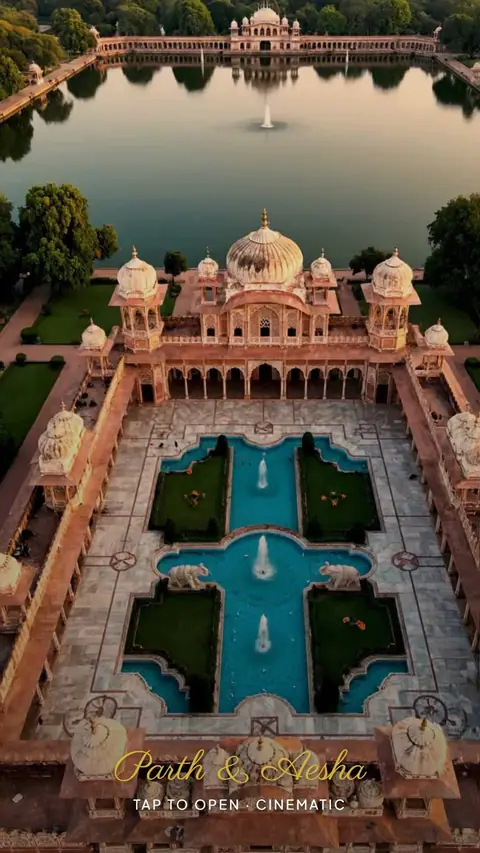 Royal Palace Journey Cinematic Wedding Invitation₹3,499inc. GST
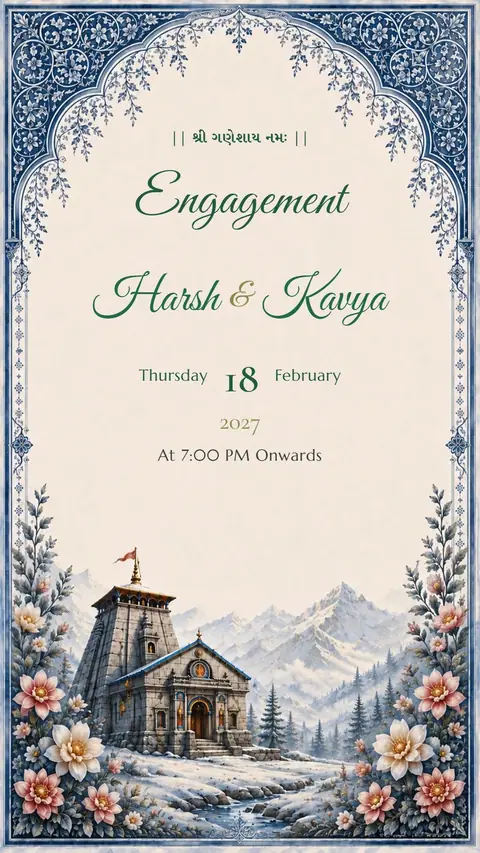 Himalayan Temple Engagement Invitation₹1,499inc. GST
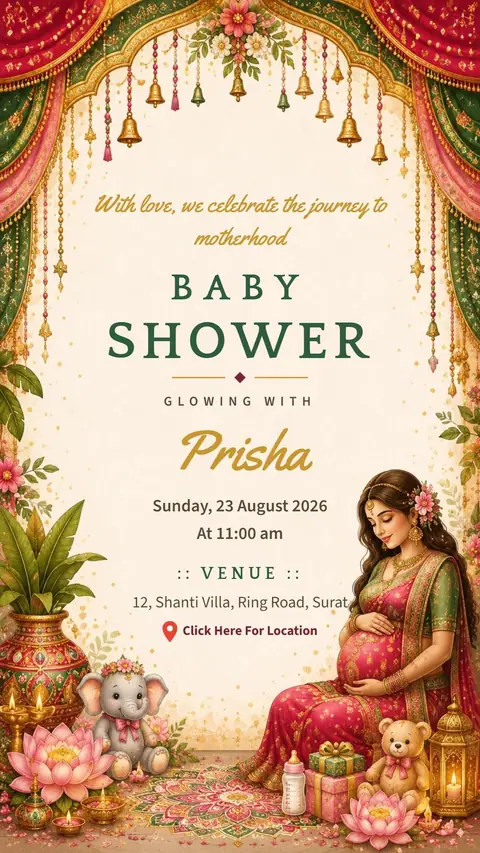 Godh Bharai Baby Shower Invitation₹499inc. GST
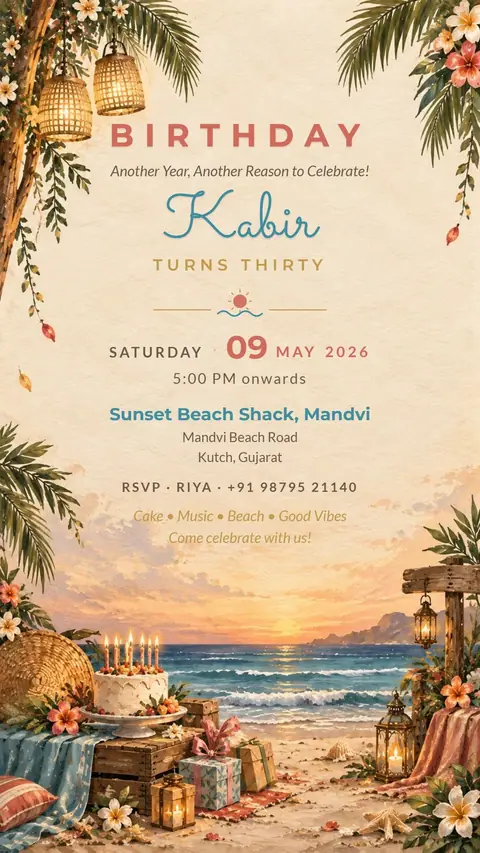 Beach Birthday Invitation₹499inc. GST
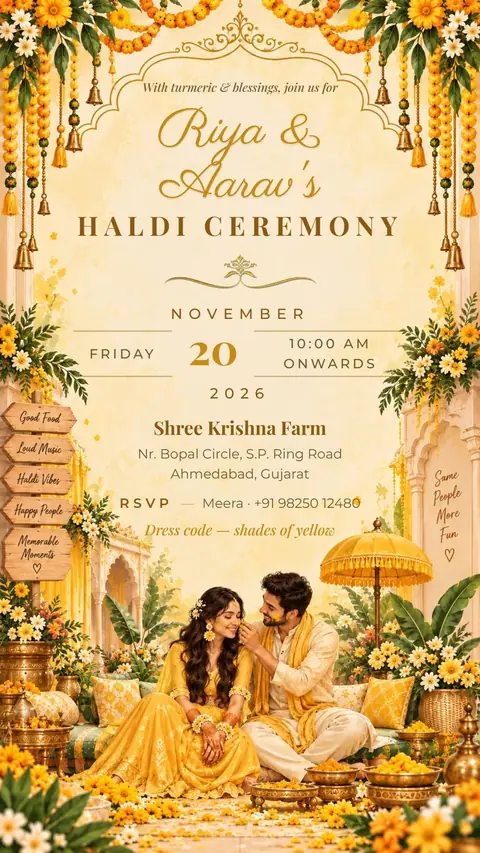 Haldi Ceremony Invitation₹499inc. GST
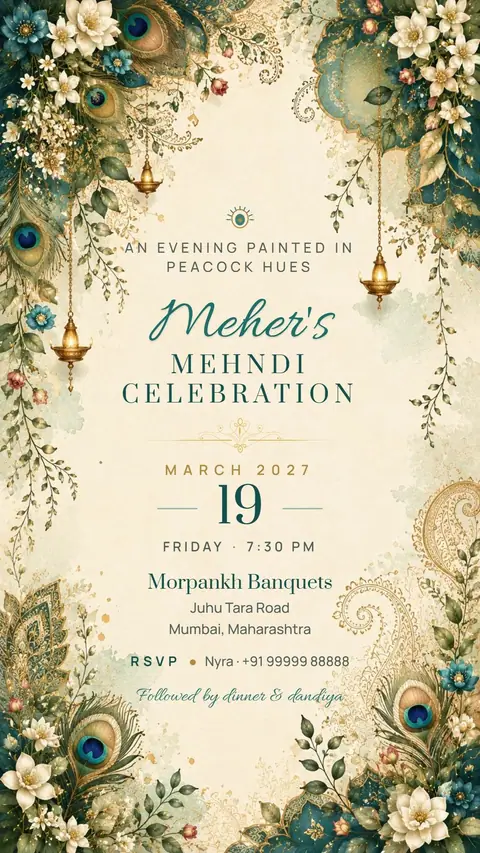 Peacock Teal Mehndi Invitation₹499inc. GST
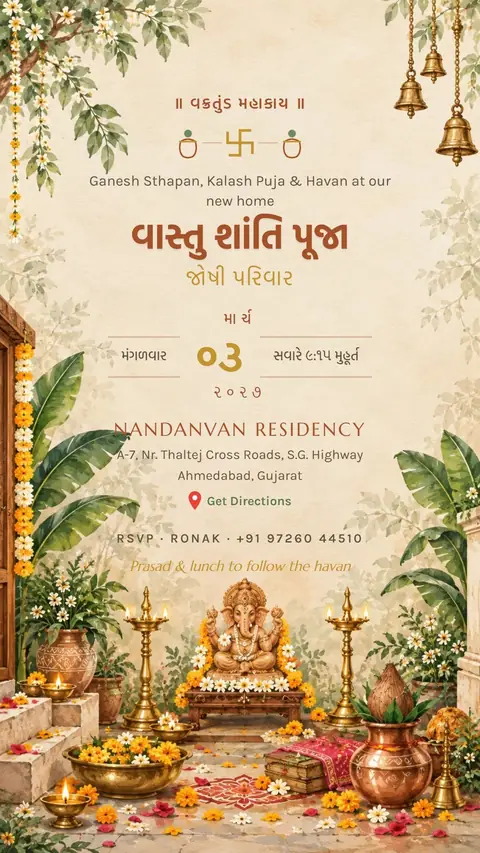 Ganesh Kalash Vastu Puja Invitation₹499inc. GST
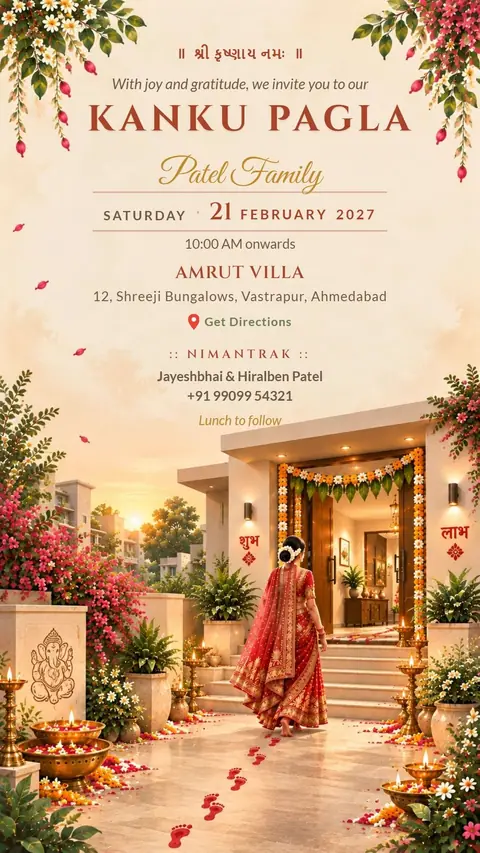 Shubh Labh Kanku Pagla Invitation₹499inc. GST
Filed under ShubhLink AI
Written by ShubhLink Editorial Team
The team behind ShubhLink's invitation templates and ShubhLink AI. We write down what families ask us most, and check each guide before it goes live.