
A birthday invitation is one of the easiest things to make with ShubhLink AI: describe whose birthday it is, the age, the theme, the date, time and place, the language and the colours, and see the first design in about a minute. Add a photo if you'd like the birthday person on the invitation. This guide gives sample descriptions for children's themes, first birthdays, milestone birthdays and elders, with tips to get it right the first time.
What to include in your description
- Whose birthday and which one: Aarav's 5th, Ba's 75th.
- The theme: jungle, space, princess, cricket, or a mood such as elegant or playful.
- The date, time and place.
- The language: English, Hindi or Gujarati.
- Colours and motifs: balloons, stars, animals, a cake.
- A photo, if you want the birthday person on it, and where it should go.
Sample descriptions
These are made-up examples. Write in your own words.
A jungle-themed birthday invitation for Aarav's 5th birthday, Saturday 16 January, 5 pm, Fun Zone, Vesu, Surat. Friendly animals, green and yellow, playful and bright. English.
A first birthday invitation for baby Myra, Sunday 20 December, 6 pm, The Grand Bhagwati, Surat. Soft pink and gold, little stars and a moon, gentle and sweet. Gujarati and English.
An elegant 50th birthday invitation for Papa, Saturday 23 January, 8 pm, Hotel Rajmahal, Jaipur. Black and gold, a classic serif, minimal. Hindi.
A 75th birthday invitation for Ba, amrit mahotsav, with a Satyanarayan katha at 10 am and lunch at 12:30 pm, Sunday 17 January, Patel Samaj Hall, Surat. Maroon and gold, a small Ganesh at the top. Gujarati.
Popular children's themes
Themes, not brands
Avoid asking for famous branded cartoon or film characters by name. Ask for the theme instead, such as “a superhero theme with capes and comic-style bursts”.
Milestones and elders
For a 50th, 60th or 75th birthday, the invitation often carries more weight: elders, relatives and old friends are invited, and the tone is respectful and warm. Describe the mood clearly, such as “elegant, maroon and gold, a small Ganesh at the top”, and include the programme if there's a puja or a katha before the meal. Writing the honoree's name with the respect the family uses, such as Ba, Dada or Papa, in your description helps the AI set the tone. The 75th birthday guide has wording ideas.
Writing in Gujarati or Hindi
Many families want birthday invitations in Gujarati or Hindi for grandparents and relatives. Say which language the text should be in, and type the names in the script yourself, so they appear exactly as the family writes them. Ask someone fluent to read the final text. The Gujarati and Hindi AI guide explains how.
Adding a photo
Add a photo of the birthday person and say where it should go: “in a circle at the top”, “on the left, with the text on the right”. Choose a sharp, well-lit photo with a simple background. The photos on invitations guide has more tips, and the reference image guide explains how images are used.
Reusing a design
If you love a birthday design, keep it. Next year, open it, change the age and the date, and it's ready in minutes.
Choosing the shape
After the first design
Fix the name, date and time by hand in the editor if anything needs changing; it's exact and doesn't use credits. Ask the chat for design changes one at a time, such as “make the balloons bigger” or “use more blue”. Every applied change can be undone. Before sharing, read the date and day of the week together, and check the venue and map link.
Asking the chat a question, such as “what theme suits a seven-year-old who loves trains?”, is free, so use it to brainstorm before making a design.
Let them choose
Ask the birthday child to choose between two or three designs. Children love being part of it, and they'll be proud to send their invitation to friends.
Related guides
The kids' birthday guide has wording, and the birthday party checklist covers the planning. More AI guides are under ShubhLink AI.
Questions people ask
Can ShubhLink AI make a birthday invitation?
Yes. Describe whose birthday it is, the theme, the date, time and place, the language and the colours.
Can I add my child's photo to an AI birthday invitation?
Yes. Add the photo and say where it should go. Choose a sharp, well-lit photo.
Can I ask for a cartoon character theme?
Ask for the theme rather than a branded character, such as a superhero theme with capes and comic-style bursts.
Which shape suits a birthday invitation?
Story for WhatsApp, Square for a status, and Card or Print A5 for printing.
How do I fix the date on an AI invitation?
Open the editor, click the text and type it. Editing by hand doesn't use credits.
Ready-made invitation designs
Open any design in the editor, put in your own names, dates and wording, and share the invitation link on WhatsApp.
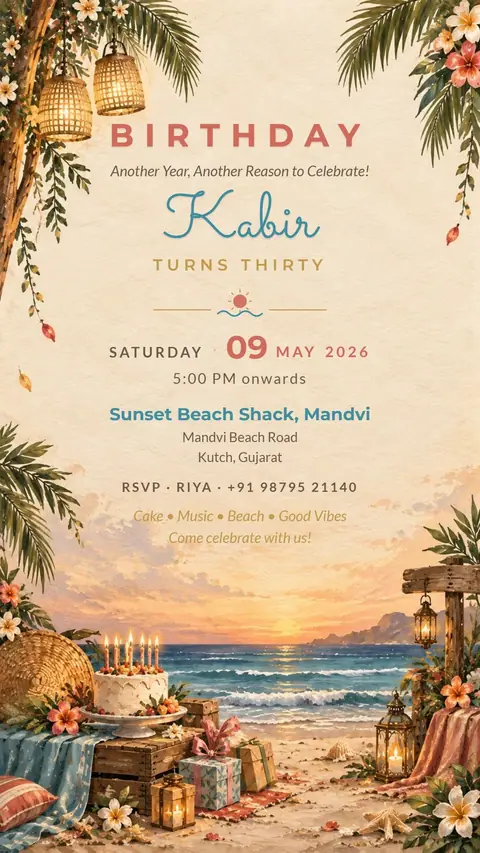 Beach Birthday Invitation₹499inc. GST
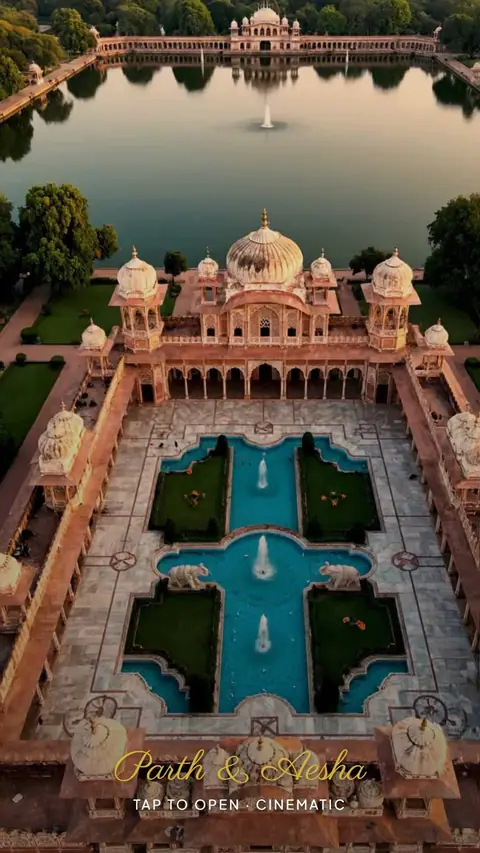 Royal Palace Journey Cinematic Wedding Invitation₹3,499inc. GST
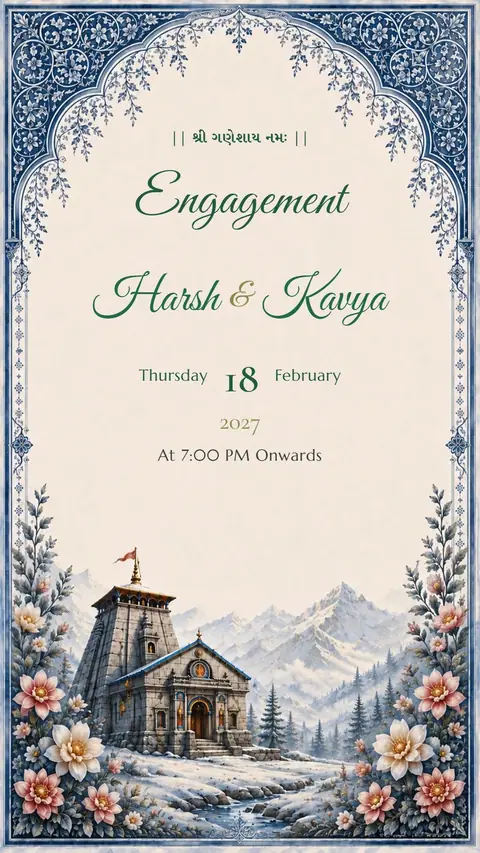 Himalayan Temple Engagement Invitation₹1,499inc. GST
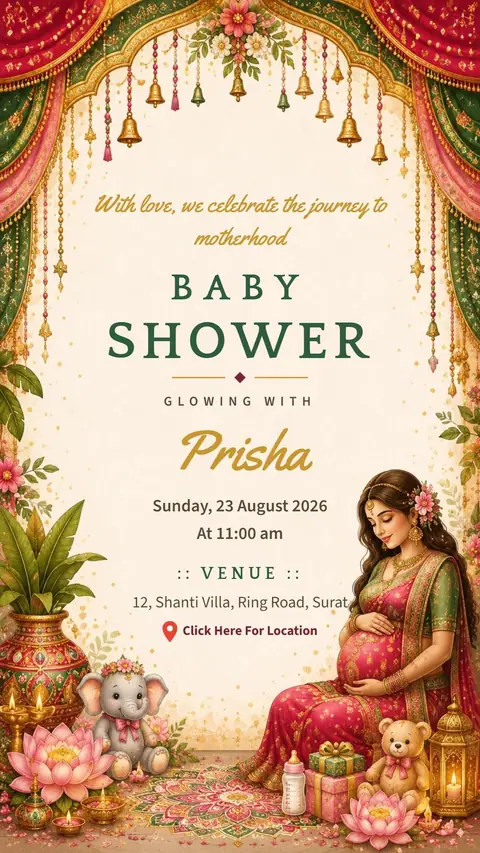 Godh Bharai Baby Shower Invitation₹499inc. GST
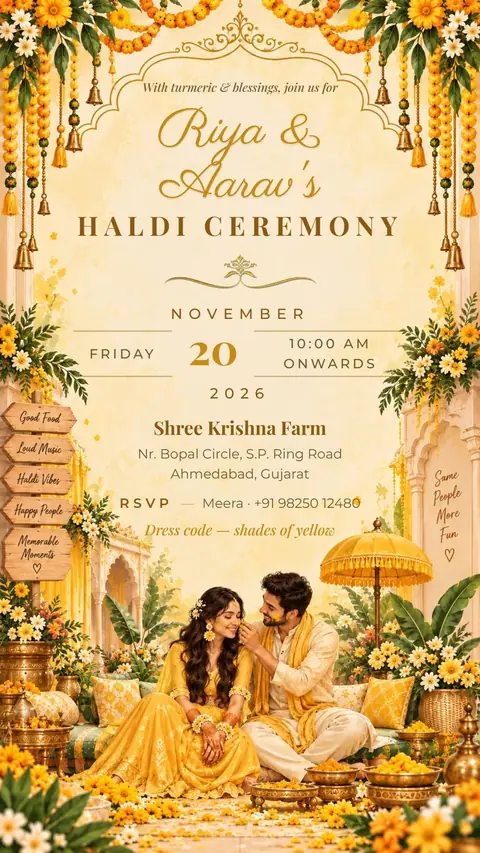 Haldi Ceremony Invitation₹499inc. GST
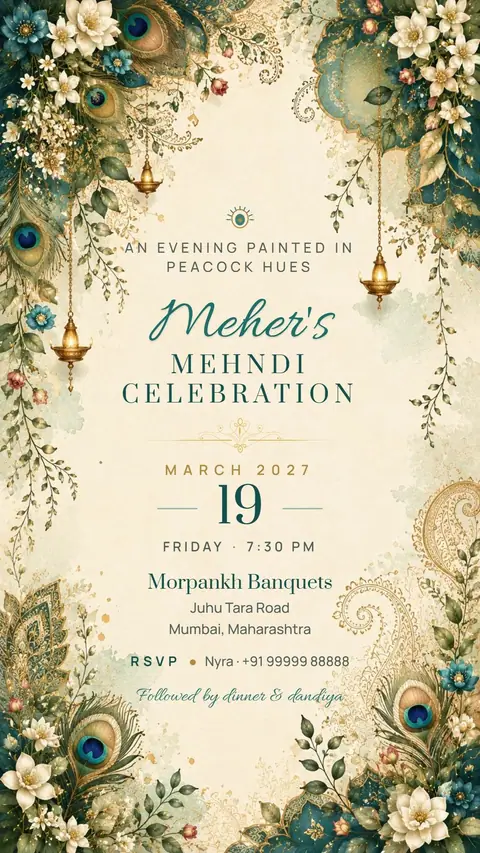 Peacock Teal Mehndi Invitation₹499inc. GST
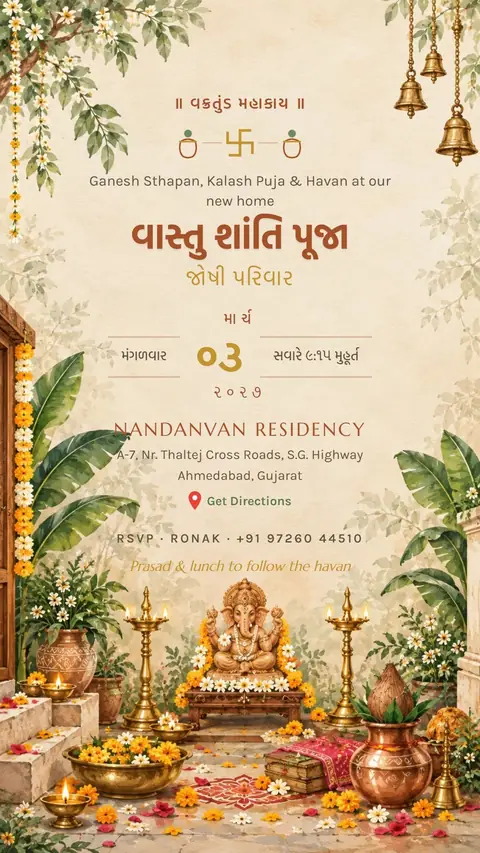 Ganesh Kalash Vastu Puja Invitation₹499inc. GST
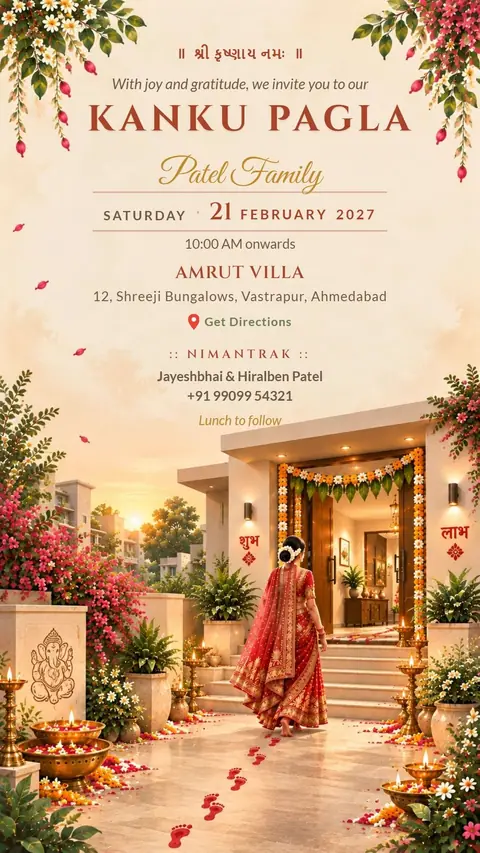 Shubh Labh Kanku Pagla Invitation₹499inc. GST
Filed under ShubhLink AI
Written by ShubhLink Editorial Team
The team behind ShubhLink's invitation templates and ShubhLink AI. We write down what families ask us most, and check each guide before it goes live.